No. 01 — Health & routine
Kitchen and workout timers.
Fire&Fit gives you quick timers for cooking and workouts, sport intervals, and custom routines you save and reuse.
A look inside.
Quick timers, cooking and workout modes, and the routines you saved.
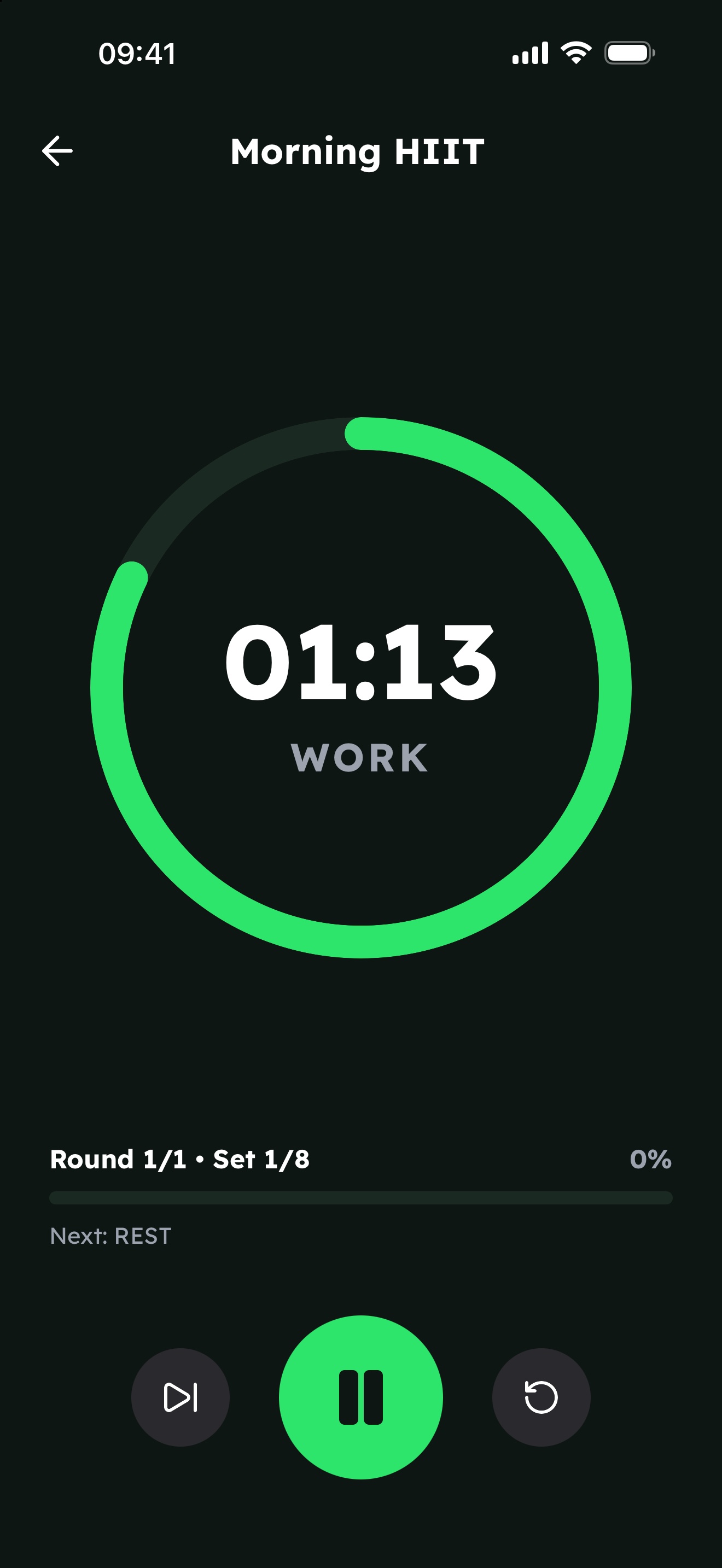
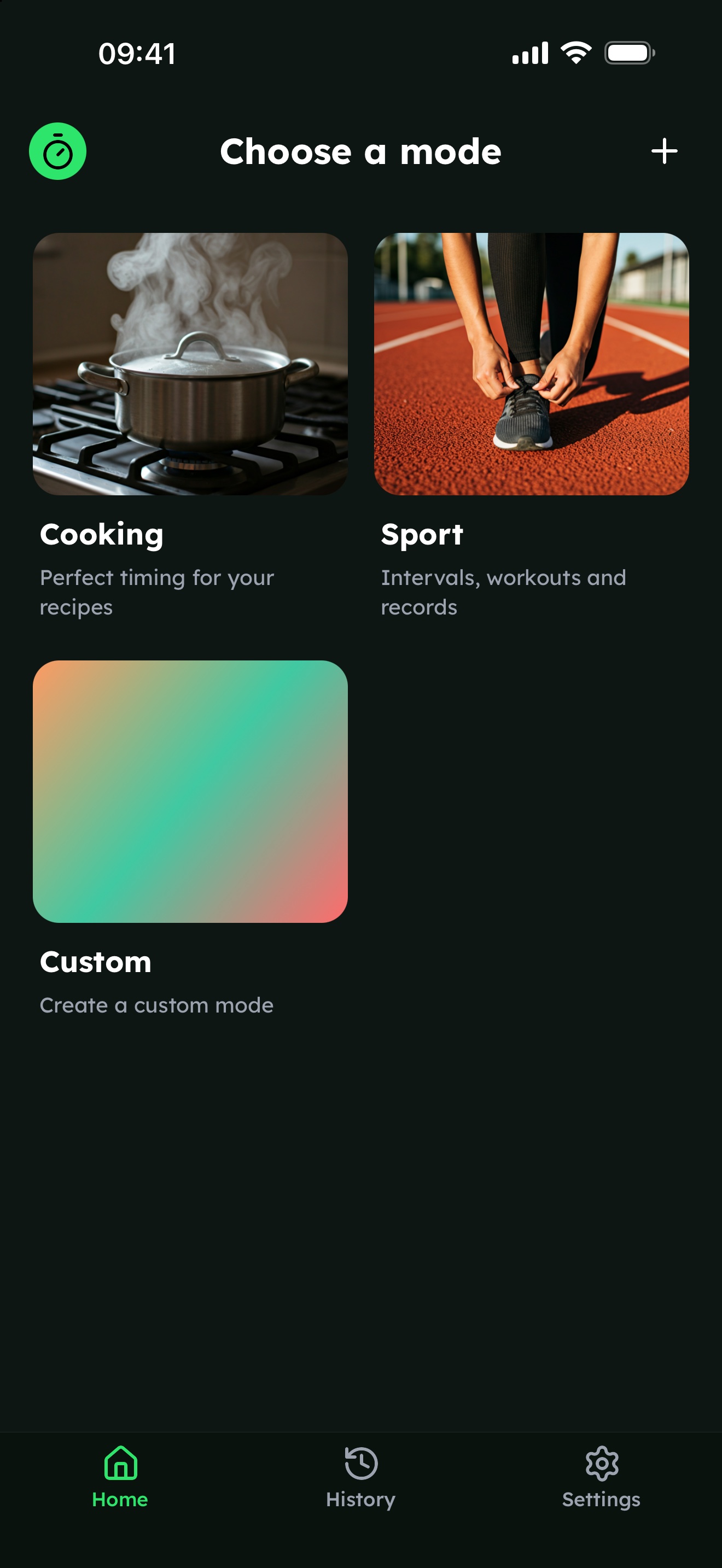
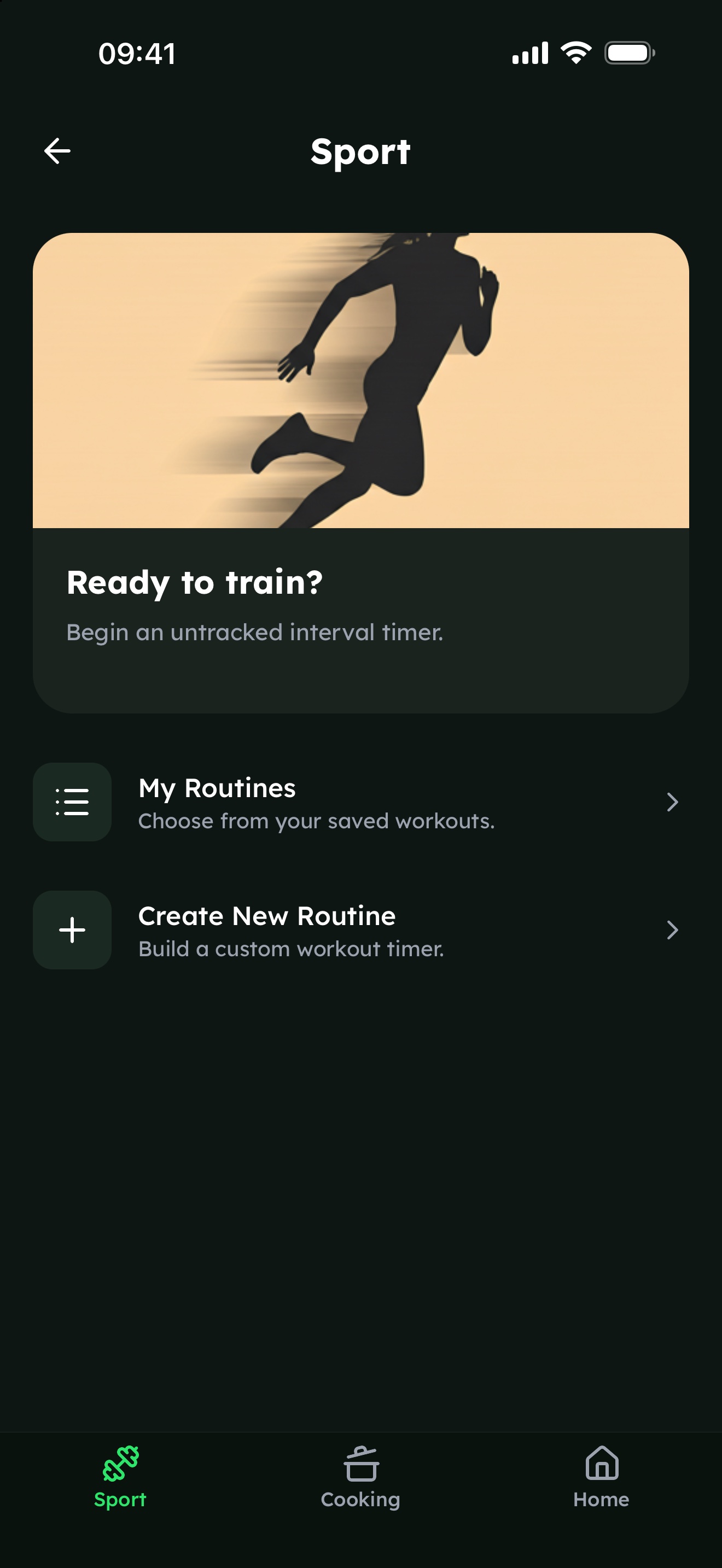
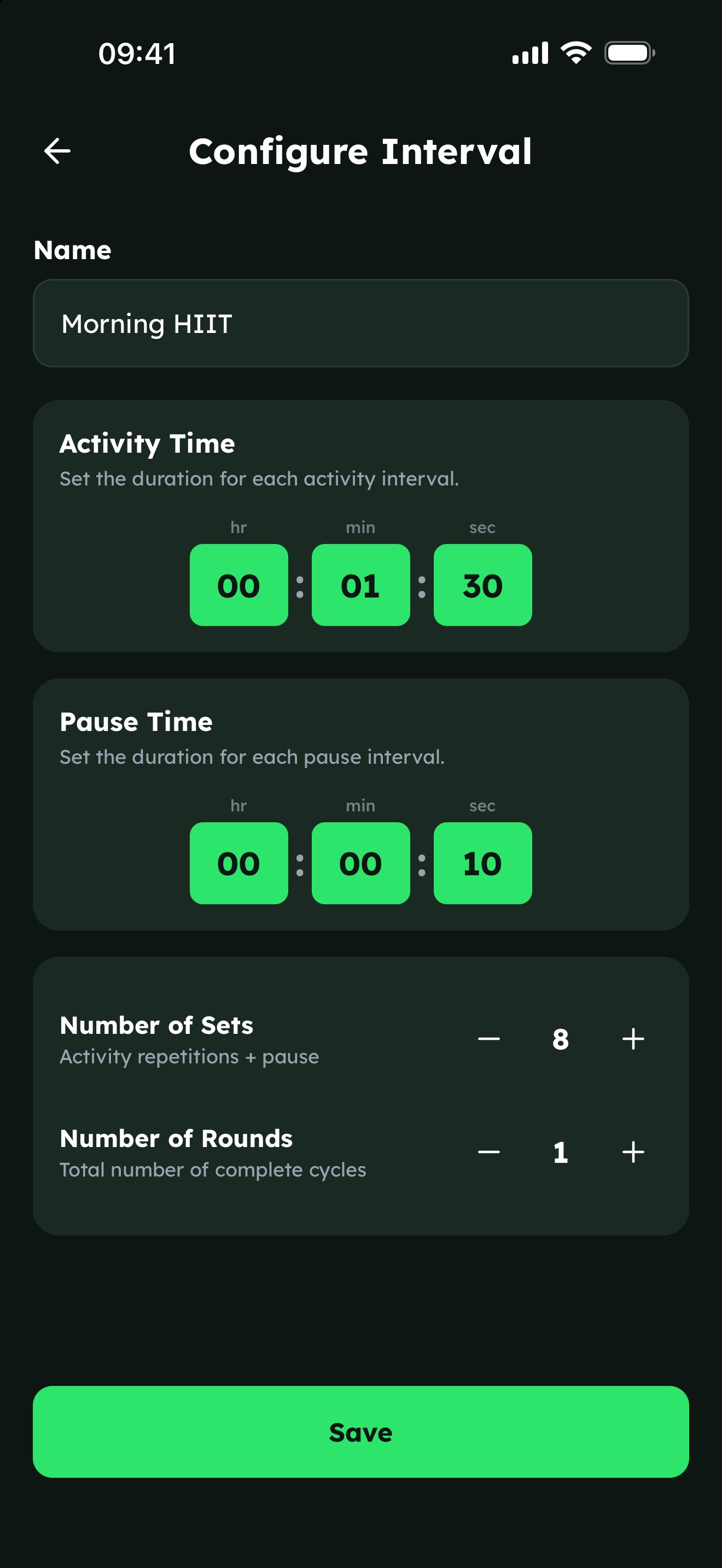
Set it once. Start it in a tap.
-
1
Pick a mode
Cooking or sport: each has its own timers and its own pace.
-
2
Set your timer
A quick countdown, intervals with breaks, or a routine you saved.
-
3
Start and go
Start, stop, reset. A notification tells you when time is up.
Cooking mode
Timers for recipes, from boiled eggs to resting dough.
Sport mode
Work and rest intervals for HIIT, circuits and stretching.
Custom timers
Make your own for recipes, exercises and breaks.
Saved for next time
Your timers and settings stay in the app, ready when you are.
Start, stop, reset
Big, clear controls you can hit with flour on your hands.
Light and dark
Smooth animations and a calm design, day or night.
Privacy
Your timers stay on your phone.
Fire&Fit has no accounts and no servers. Your timers and settings live on your phone, and we never see them.
Read the privacy policy →- No accountOpen the app and start a timer.
- No ads, no trackingNo analytics, nothing sent anywhere.
- Only notificationsThe one permission it asks for: to tell you when time is up.
Good questions.
Something else? support@zavilab.com
Do I need an account?
No. Fire&Fit works without an account, an email address or a sign-up.
How do I know the time is up?
You get a notification when the timer ends. Allow notifications when the app asks.
Can I save my own timers?
Yes. Make timers for recipes, exercises and breaks; they stay in the app for next time.
Where are my timers stored?
Only on your phone. Fire&Fit has no servers.
How much does it cost?
Fire&Fit is free, with no ads.